
Introduction
Design isn’t magic, it’s made up of simple building blocks that anyone can learn. In graphic work, understanding the elements and principles of design helps you create visuals that look good and make sense. Whether you’re designing a poster, a logo, or social media graphics, knowing these key ideas lets you show off your creativity and communicate clearly. In this post, we’ll explain what the elements and principles of design are, why they matter for a graphic design business, and share easy examples to help you start using them right now.
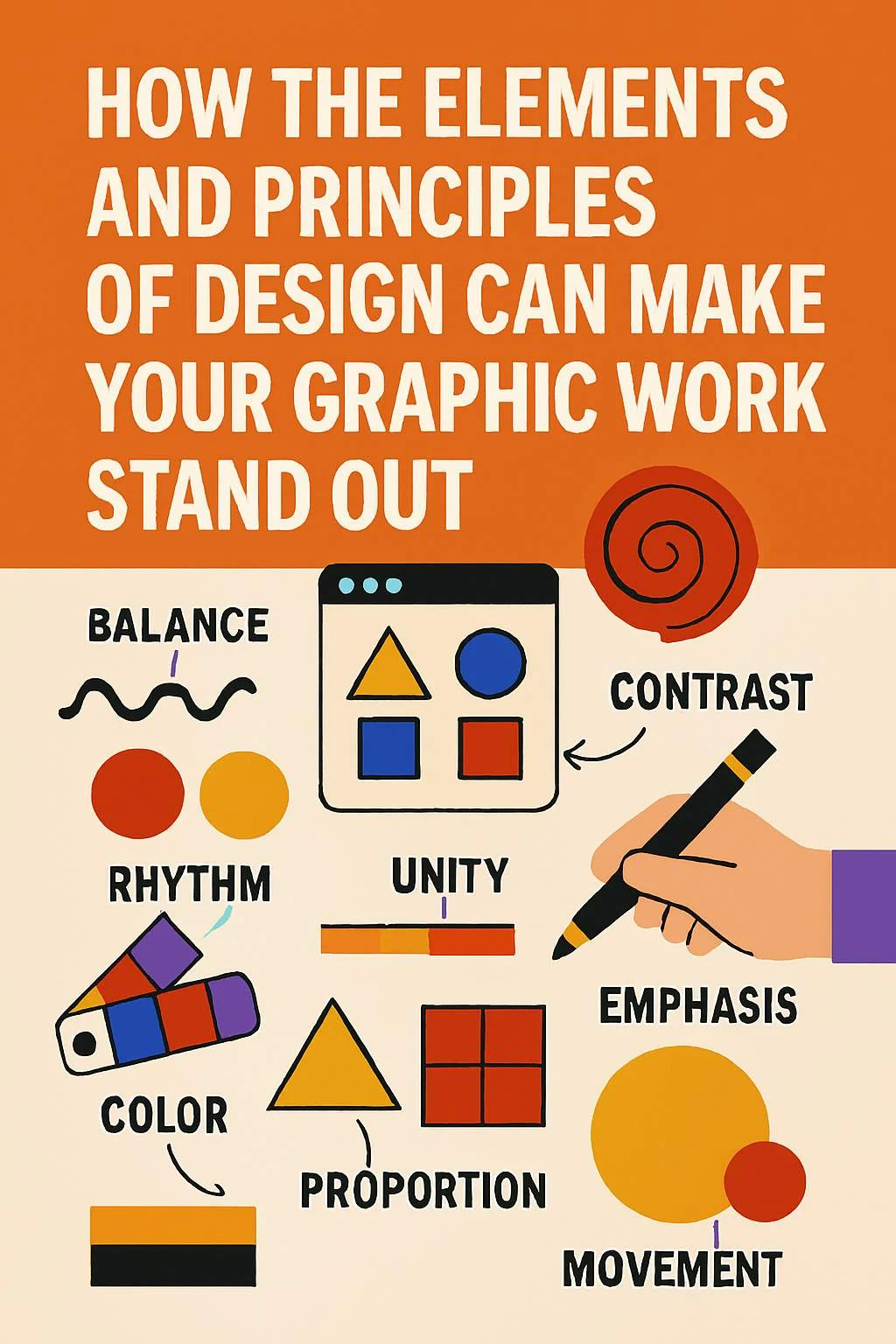
1. What Are the Elements of Design?
Think of elements of design as vocabulary, the basic words designers use to build a visual story. According to many trusted design sources, the core elements include:
- Line: A path that can be straight, wavy, thick, or thin. It guides the eye or separates parts of a design.
- Shape & Form: Shapes are flat (like circles or squares), while forms look 3D (like a sphere or cube).
- Color & Value: Color brings emotion and mood; value shows lightness or darkness, giving pop and contrast.
- Texture: How something appears to feel—smooth, rough, or fluffy.
- Space (Positive & Negative): The room around elements. Negative (or “white”) space makes the design breathe.
- Pattern & Movement: Patterns repeat elements, while movement creates a visual flow.
These elements form the “words” of design language. When you arrange them thoughtfully, you can tell a visual story!
2. What Are the Principles of Design?
Principles of design are like grammar, they help elements make sense together. Here are the most important ones:
- Balance: Making design feel stable. Symmetrical uses even weight on both sides; asymmetrical plays with contrast to balance different elements.
- Contrast: Using differences (light vs dark, big vs small) so things stand out.
- Emphasis (Dominance): Highlighting the most important part, like a bold title or bright color.
- Repetition & Rhythm: Repeating shapes, colors, or lines to create a pattern or rhythm, like music.
- Unity (Harmony): Making everything feel like it belongs. Variations in design shouldn’t clash but work together.
- Hierarchy: Guiding the viewer’s eye through what matters most—like big titles first, then small text.
- Proportion & Scale: Playing with size to show importance or make things look realistic.
- Alignment & White Space: Arranging elements neatly and using empty space to organize information.
Together, these principles shape the visual flow and message of your design.
3. Why Graphic Designers Should Know the Elements and Principles of Design
Understanding the elements and principles of design isn’t just for school, it’s practical and helpful for real projects:
- Clarity: When you use elements and principles correctly, your design gets your message across instantly.
- Professionalism: Balanced layouts, good spacing, and clear emphasis show that you know your stuff—clients notice that.
- Better Branding: Applying the same elements and principles across all content helps your brand look consistent and trustworthy.
- Creative Control: Knowing the rules means you can break them confidently keeping your designs unique yet effective.
Example: Want people to read a leaflet’s headline first? Make the text big (hierarchy), place it at the top (alignment), and use contrast with colors (contrast). That’s applying an element (color, size) and a principle (hierarchy, emphasis) to control what the viewer sees first.
4. How to Apply the Elements and Principles of Design in Your Projects
Here are tips for using these ideas right now:
- 1. Start with a Sketch: Draw shapes, lines, and spaces. Even rough sketches help you map out where things go.
- 2. Pick a Color Scheme: Choose 2 or 3 colors that look good together. Use contrast to make important parts pop.
- 3. Use Space Wisely: Don’t cram everything. Let parts breathe with negative space so your design doesn’t feel squashed.
- 4. Create Hierarchy: Make titles big and bold. Body text can be smaller. Use different weights or colors to guide the eye.
- 5. Stick with Similar Styles: Repeat shapes or colors to create unity. But add a little variation to keep it interesting.
- 6. Balance Everything: Don’t put all heavy-looking items on one side—balance them with lighter items or white space.
- 7. Think about Flow (Movement): Use lines or arrows to guide readers from one part to the next—like steps or story flow.
- 8. Try & Test: Change one thing—like making text bolder or adding space—and see how it feels. Trust your eye!
Quick Example for a Poster:
- Big headline at top (hierarchy).
- Bright color for the headline (contrast, emphasis).
- Clean background so it’s easy to read (negative space).
- Bulleted list using icons repeated for unity.
- Balance text with an image on the other side.
The image below with the heading “Benefits of regular Exercise” explains this example.

That’s elements (line, color, shape) and principles (hierarchy, contrast, balance, unity) working together!
Let us challenge ourselves with this task. Send me what you did on the comment section.
Conclusion
The elements and principles of design are like the ABCs of visual creativity. They help you build designs that look good, feel balanced, and communicate clearly. Try using one element (like color) and one principle (like emphasis) in your next project – it’s a small step toward becoming a confident designer. Whether you’re making graphics for fun or for business, these ideas give you the power to create better visuals. Happy designing and may your work always stand out!
This resource provides a lot of fascinating and useful information.
Here, you can learn about different articles that help you learn new things.
Readers will enjoy the information shared on this site.
Each section is easy to navigate, making it pleasant to use.
The articles are written clearly.
There are information on various fields.
Whether you’re looking for inspiration, this site has everything you need.
Overall, this platform is a reliable place for those who love learning.
https://aiti-portal.de/
thanks for the review